Home › Student Productivity › How to Use ChatGPT from OpenAI for Students (Step-by-Step Guide 2026)
How to Use ChatGPT from OpenAI for Students (Step-by-Step Guide 2026)
.png)
Most students are either overwhelmed… or wasting time.
Long chapters, confusing concepts, last-minute revision — it’s a cycle everyone knows. Now add one more problem:
too much information, not enough clarity.
Recommended for you
Top 3 AI Tools Students Must Use in 2026 (Boost Productivity & Grades)
How ChatGPT, Gemini & Claude Actually Work (Simple Explanation 2026)
That’s where ChatGPT comes in.
But here’s the catch — simply asking it for answers won’t help you improve. In fact, it can make things worse if you rely on it blindly.
Used correctly, though, ChatGPT can act like a personal tutor who explains, tests, and guides you — anytime you need.
This guide breaks down exactly how students can use ChatGPT step by step, with real examples you can actually apply today.
What Does “Using ChatGPT Properly” Actually Mean?
Most students use ChatGPT like this:
- Copy answers
- Paste into assignments
- Move on
That’s not learning — that’s dependency.
The smarter approach is to use ChatGPT for:
- Understanding concepts
- Practicing questions
- Improving answers
- Structuring study time
Think of it as a learning assistant, not a shortcut.
Step 1: Learn Concepts Faster (Instead of Memorizing)
When a topic feels difficult, your goal shouldn’t be to memorize it — it should be to understand it.
Instead of asking:
“Explain photosynthesis”
Try:
“Explain photosynthesis in simple terms for a Class 10 student with a real-life example”
This small change matters.
Now you’re telling ChatGPT:
- Your level
- Your expectation
- The format you want
Example:
If you're studying economics, you can ask:
“Explain inflation with examples from everyday life in India”
You’ll get something you can actually relate to — not textbook jargon.
Step 2: Turn Chapters into Quick Notes
Reading entire chapters again and again is inefficient.
Instead, convert them into structured notes.
Prompt:
“Create short revision notes for [chapter name] with key points and definitions”
This helps you:
- Reduce study time
- Focus on important concepts
- Revise quickly before exams
Pro tip:
Ask it to format notes like:
- Bullet points
- Headings
- Key formulas
Step 3: Use ChatGPT for Homework (Without Cheating)
The goal is not to get answers — it’s to understand how answers are formed.
Instead of:
“Give me the answer”
Ask:
“Solve this step-by-step and explain why each step is used”
This approach helps you:
- Build problem-solving skills
- Understand logic
- Perform better in exams without AI
Example:
For maths or physics, this is extremely powerful.
Step 4: Improve Writing (Assignments & Exams)
Many students lose marks not because they don’t know the answer — but because they can’t express it well.
You can fix this easily.
Prompt:
“Rewrite this answer to make it clearer and more structured: [your text]”
You’ll start noticing:
- Better sentence flow
- Stronger vocabulary
- Clear explanations
Over time, this improves your natural writing.
Step 5: Create a Real Study Plan
Most students don’t fail because they lack intelligence — they lack structure.
Instead of guessing what to study, ask:
“Create a 7-day study plan for [subject] with daily targets and revision time”
Now you have:
- A clear roadmap
- Balanced workload
- Less stress
You can even customize:
- Weak topics
- Exam dates
- Available hours
Step 6: Ask Better Questions = Get Better Answers
This is where most students go wrong.
Bad question:
“What is gravity?”
Better question:
“Explain gravity with real-life examples and why it matters in daily life”
The second one forces ChatGPT to:
- Simplify
- Relate
- Explain deeply
Your learning improves instantly.
Advanced Ways to Use ChatGPT (Underrated)
1. Self-Testing
“Create 10 MCQs from this chapter with answers”
Helps with active recall — one of the best learning techniques.
2. Flashcards for Revision
“Turn this topic into quick flashcards”
Perfect for last-day revision.
3. Mock Tests
“Generate a sample test paper with difficulty similar to board exams”
Simulates real exam conditions.
4. Learn Through Analogies
“Explain this concept using real-life situations”
Makes difficult topics easier to remember.
Common Mistakes Students Should Avoid
- Copy-pasting answers without understanding
- Asking vague or incomplete questions
- Trusting AI blindly without checking facts
- Using it as a replacement for studying
ChatGPT works best when you stay actively involved.
Real Impact (When Used Correctly)
Students who use ChatGPT properly often notice:
- Faster understanding of topics
- Better answer writing
- Reduced study time
- More confidence during exams
It doesn’t make you smarter — it makes your process smarter.
Frequently Asked Questions -
1. How can students use ChatGPT without cheating?
Use it to understand concepts, not to copy answers. Always try solving first, then use ChatGPT for explanation.
2. Is ChatGPT useful for exam preparation?
Yes, especially for revision, mock tests, and concept clarity. It’s like having a tutor available anytime.
3. What is the best way to ask questions in ChatGPT for study?
Be specific. Mention your class level, topic, and format (example, step-by-step, short notes, etc.).
🧠 Conclusion
ChatGPT is not a magic solution — but it is a powerful advantage if used correctly.
The difference is simple:
- Weak students use it for answers
- Smart students use it for understanding
If you focus on learning, practicing, and improving — ChatGPT can save you hours while making your study more effective.
Start with one method from this guide today. Then build from there.
Best FREE Websites You Should Bookmark (Detailed Guide)
Make Money Using AI Without Skills (2026 Beginner Guide)
This Website Will Save You 10 Hours/Week (2026 Productivity Hack)

Continue Reading
Recommended Articles
.png)

.png)
Recent Posts
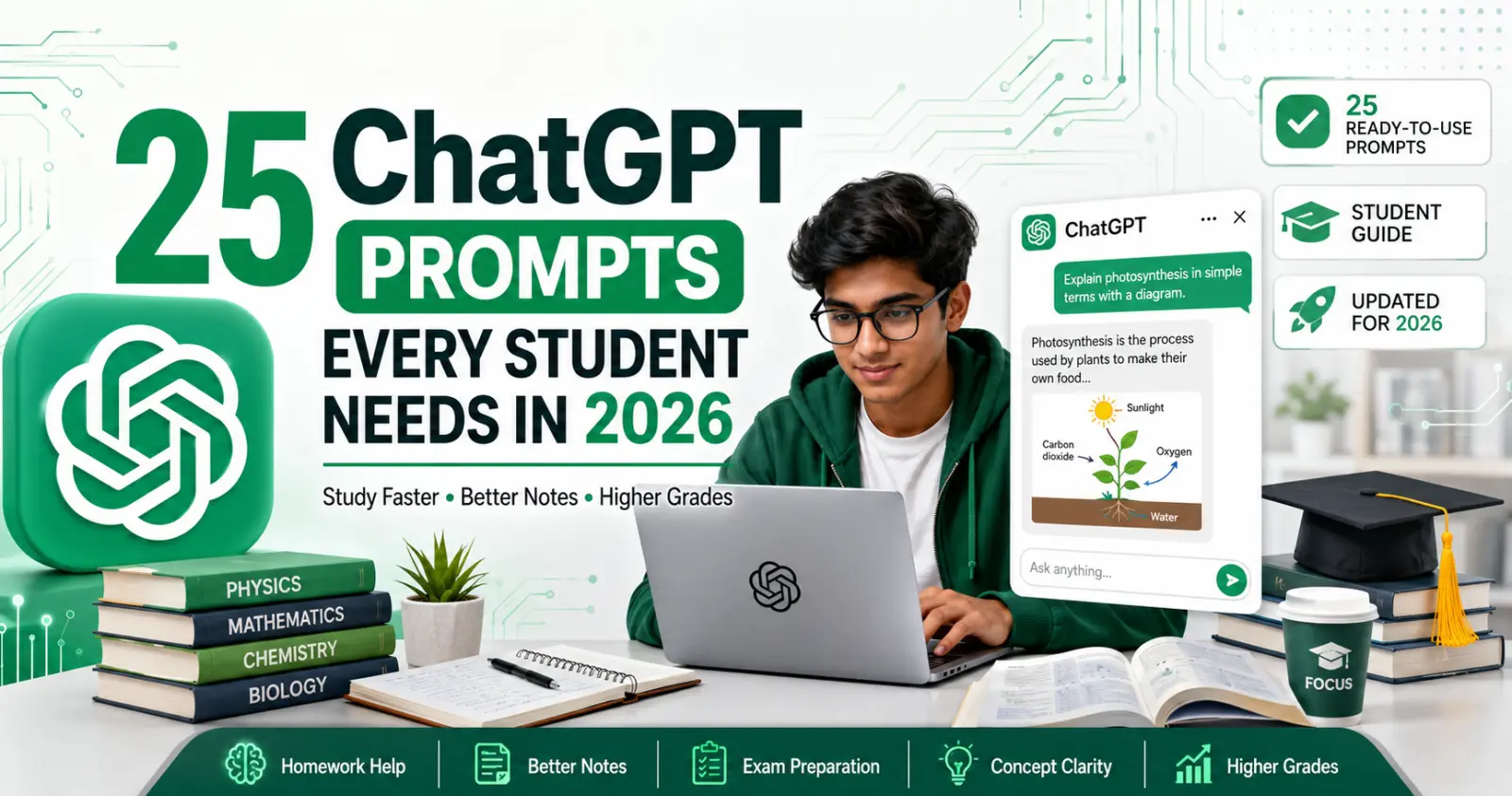

A2E AI Review 2026: This AI Video Generator Gives Free Credits Every Day

Why I Started Solvex Technologies After 9 Years in Software Development
Best Free AI Video Generators (2026) - The Honest Guide
Best Free AI Video Generators in 2026 (No Watermark Text-to-Video Tools Reviewed)
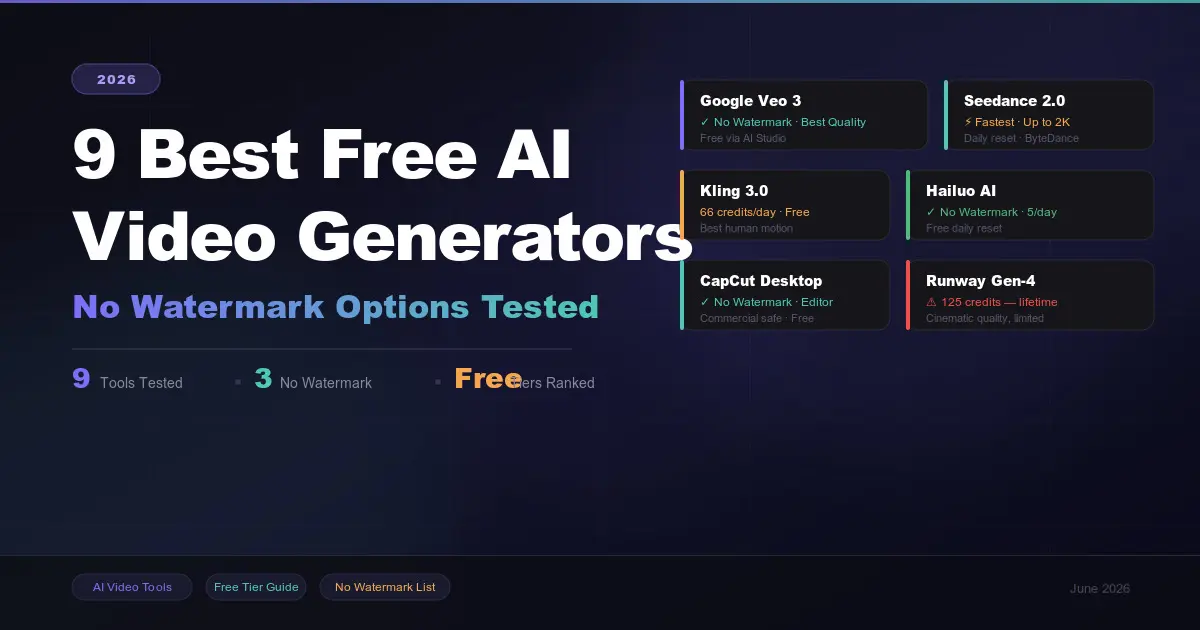
9 Best Free AI Video Generators in 2026 (No Watermark Options Tested)
 in 2026.png)
Build Your First AI Agent in 2026 (Step-by-Step Beginner Guide)
, Gemini, and Claude (2026 Deep Dive).png)
How ChatGPT, Gemini & Claude Actually Work (Simple Explanation 2026)
.png)