Home › AI › Best Free AI Video Generators in 2026 (No Watermark Tools)
Best Free AI Video Generators in 2026 (No Watermark Tools)
.png)
You’ve probably seen those viral AI videos online—and wondered how people are creating them so fast.
The truth is, you don’t need expensive software or editing skills anymore. With the right AI tools, you can generate professional-looking videos in minutes.
Recommended for youWhy I Started Solvex Technologies After 9 Years in Software Development
Best Free AI Tools for Image Generation (Create Stunning Images Easily)
In this guide, you’ll discover the best free AI video generators that actually work, without forcing watermarks or paid upgrades.
What is an AI Video Generator?
An AI video generator is a tool that creates videos automatically using artificial intelligence. Instead of manually editing clips, you simply provide text, images, or prompts, and the tool generates a complete video.
These tools are widely used for:
- YouTube content
- Social media reels
- Marketing videos
- Educational content
Why AI Video Generators Are Important
Creating videos traditionally takes time, effort, and skills. AI tools simplify this process completely.
Here’s why they matter:
- Save hours of editing time
- No technical skills required
- Faster content creation
- Perfect for beginners
👉 In short: AI turns ideas into videos instantly.
Best Free AI Video Generators (No Watermark)
1. Pictory AI
What it does: Converts text into engaging videos automatically.
Why it’s useful: Turns blog posts into videos, adds captions and visuals.
Best for: YouTube automation
2. Lumen5
What it does: Creates videos from articles or scripts.
Why it’s useful: Drag-and-drop editor, AI suggests scenes.
Best for: Social media content
3. InVideo AI
What it does: Generates videos from simple prompts.
Why it’s useful: Templates, AI voiceovers, beginner-friendly.
Best for: Quick video creation
4. Synthesia (Free Demo)
What it does: Creates AI avatar videos.
Why it’s useful: Realistic presenters, no camera needed.
Best for: Educational content
5. Runway ML
What it does: Advanced AI video editing and generation.
Why it’s useful: Text-to-video, powerful editing features.
Best for: Advanced creators
How to Create a Video Using AI (Step-by-Step)
Step 1
Choose a tool like InVideo or Pictory
Step 2
Enter your script or idea
Step 2
Let AI generate scenes
Step 4
Customize visuals if needed
Step 5
Export your video
👉 No editing skills required.
Pros and Cons of AI Video Generators
Pros:
- Saves time
- Easy to use
- No technical skills needed
- Cost-effective
Cons:
- Limited free features
- Some tools add watermarks
- Less control than manual editing
Common Mistakes to Avoid
- Using too much text in videos
- Choosing the wrong tool
- Ignoring quality
- Not reviewing AI output
Pro Tips to Get Better Results
- Keep scripts short and clear
- Use better prompts
- Combine AI with manual edits
- Focus on storytelling
👉 Better input = better output
Frequently Asked Questions
What is the best free AI video generator without a watermark?
Some tools like Pictory and InVideo offer free plans with minimal or no watermark, depending on usage. Always check export settings before downloading.
Can beginners use AI video generators?
Yes, most AI video tools are designed for beginners and require no prior editing experience.
How long does it take to create a video using AI?
You can create a complete video in just a few minutes, depending on the tool.
Are AI video generators really free?
Many tools offer free plans with limitations. Advanced features may require payment.
Conclusion
AI video generators are changing the way content is created.
👉 You no longer need expensive software
👉 You don’t need editing skills
👉 You just need the right tool
Start using these tools today—and create videos faster than ever.
You can also explore more tools in our AI section.
Or check this out:
Hidden Google Feature You Didn’t Know (2026 Tricks You Must Try)
10 Best Free AI Tools That Save You 10+ Hours Daily (2026 Guide)
This AI Can Create Videos in 30 Seconds (Full Guide 2026)

Continue Reading
Recommended Articles
.png)
Recent Posts
A2E AI Review 2026: This AI Video Generator Gives Free Credits Every Day

Why I Started Solvex Technologies After 9 Years in Software Development
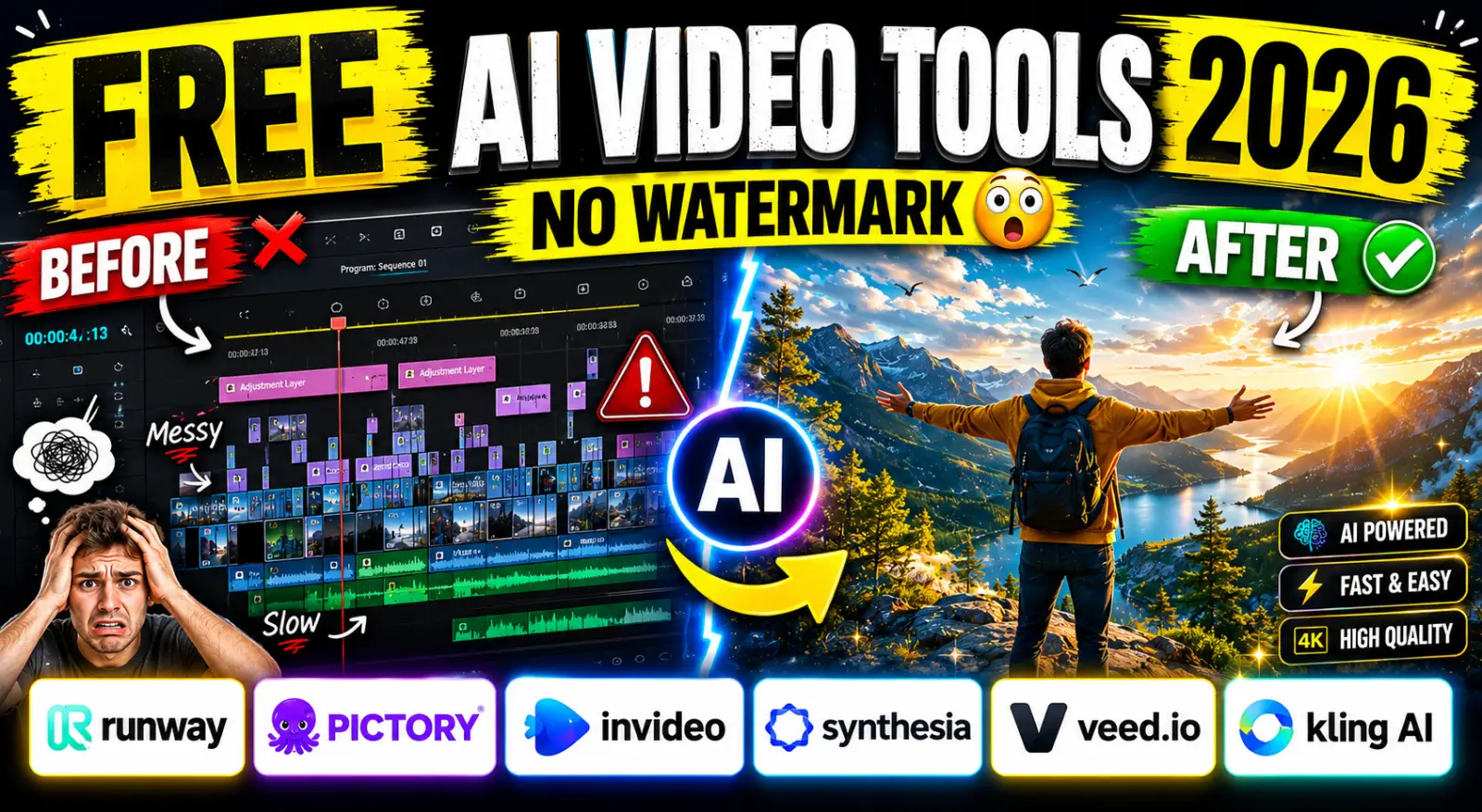
Best Free AI Video Generators (2026) - The Honest Guide
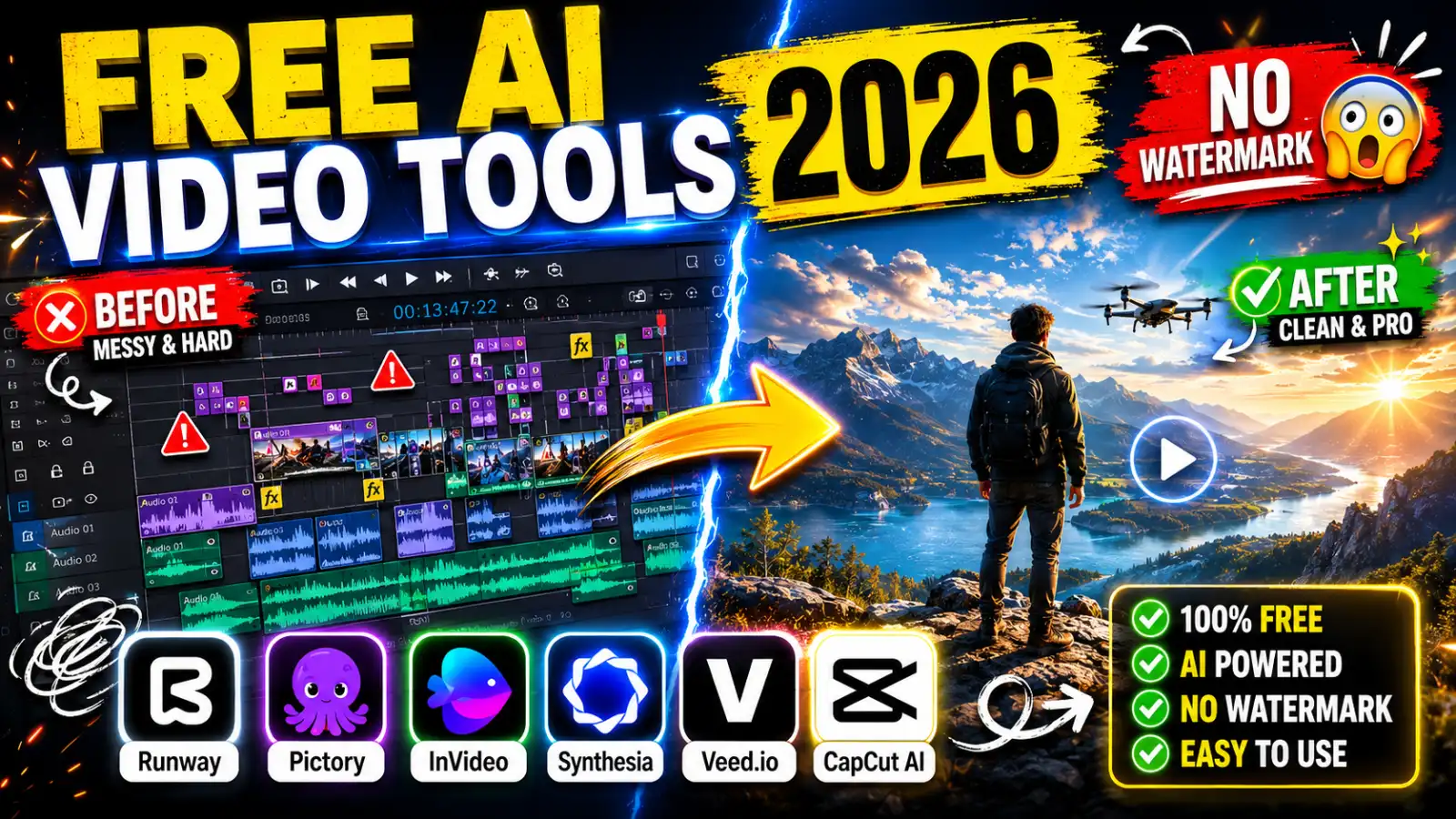
Best Free AI Video Generators in 2026 (No Watermark Text-to-Video Tools Reviewed)
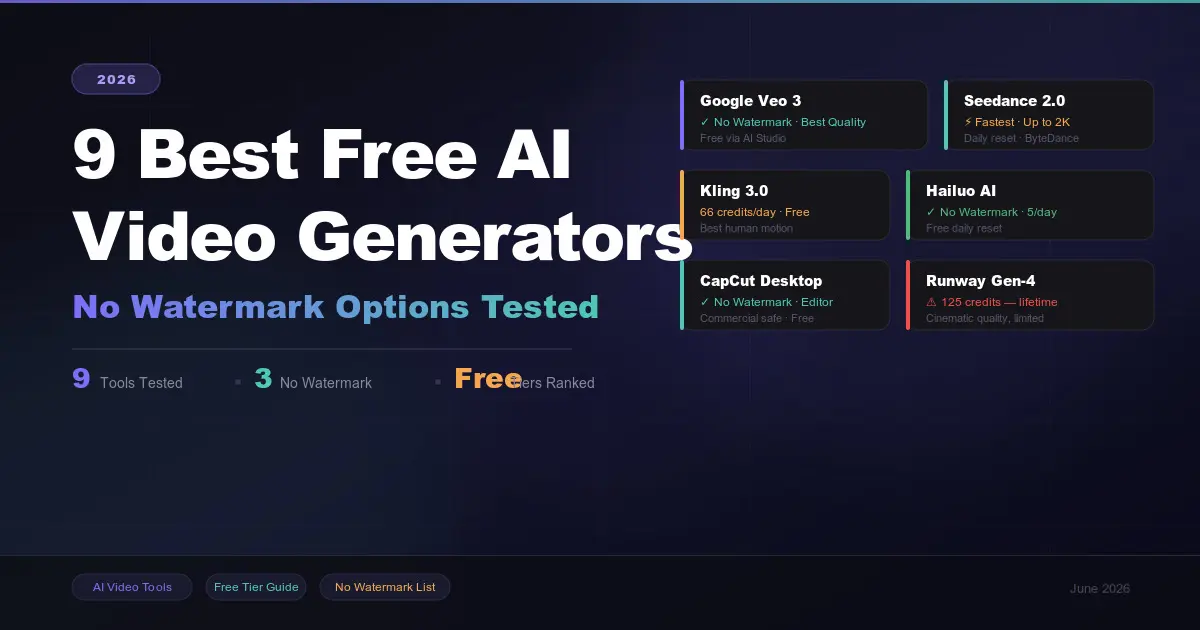
9 Best Free AI Video Generators in 2026 (No Watermark Options Tested)
 in 2026.png)
Build Your First AI Agent in 2026 (Step-by-Step Beginner Guide)
, Gemini, and Claude (2026 Deep Dive).png)
How ChatGPT, Gemini & Claude Actually Work (Simple Explanation 2026)
.png)