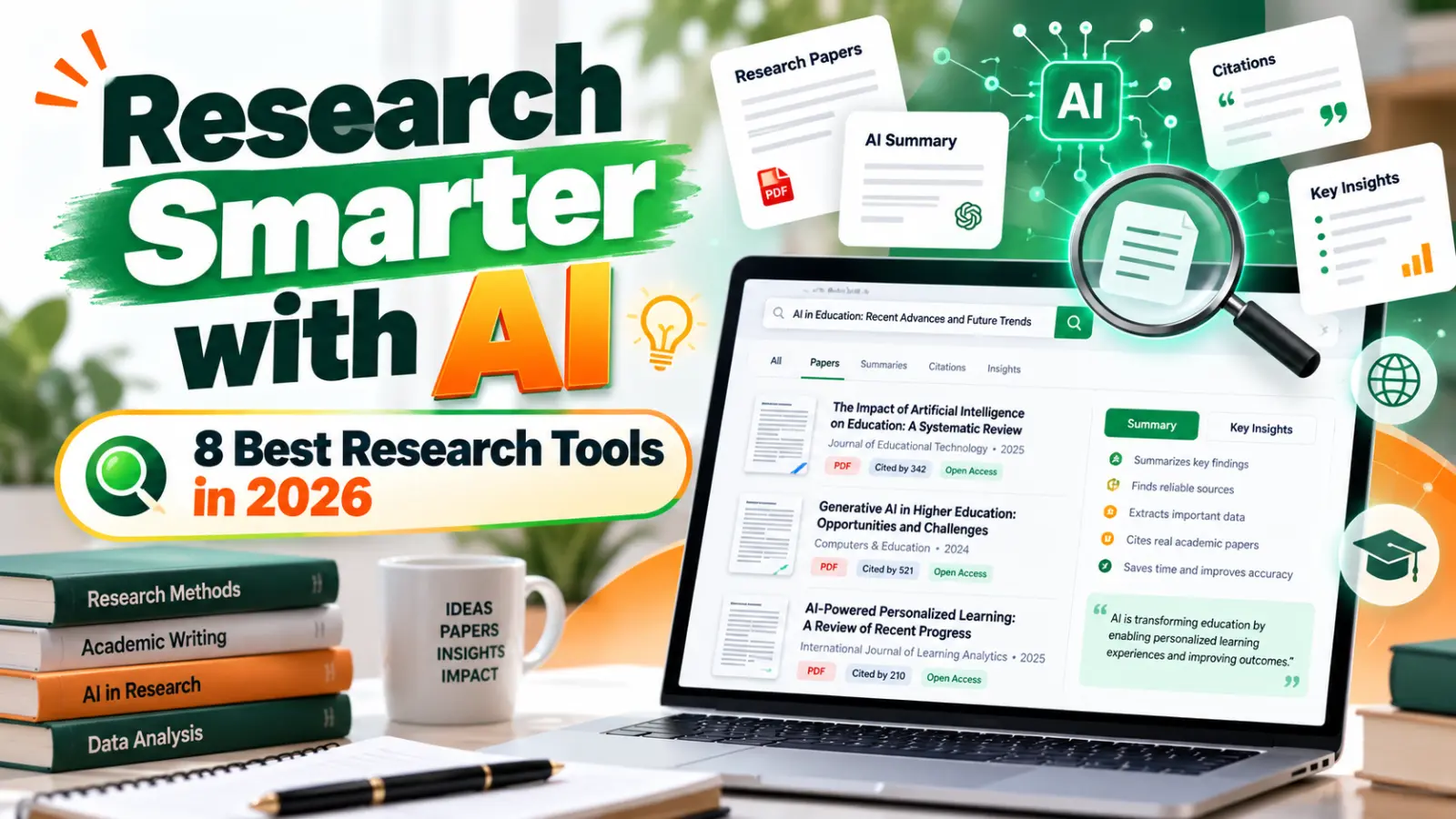
Home › AI Tools › 8 Best AI Research Tools in 2026: Find Sources, Analyze Papers & Save Time
8 Best AI Research Tools in 2026: Find Sources, Analyze Papers & Save Time
#Best AI Research Tools
#AI Research Assistant
#AI Tools for Students
#Academic Research
#Scientific Research
#Perplexity AI
#Google NotebookLM
#Elicit AI
#Consensus AI
#Research Productivity
#AI Tools 2026
Introduction
Research is an essential part of studying, business planning, content creation, and professional decision-making. But good research takes time.
You may need to search dozens of websites, read lengthy documents, compare conflicting opinions, identify reliable sources, and organize everything into a useful report. For academic work, the process can become even more demanding when you need to examine research papers and verify references.
AI research tools can make parts of this process easier.
Some tools search the web and provide answers with source links. Others analyze PDFs, summarize academic papers, or help researchers identify patterns across multiple studies. A few specialize in finding scientific evidence rather than general information.
However, there is an important distinction: an AI-generated answer is not automatically a verified fact. A tool may misunderstand a source, overlook relevant evidence, or provide a citation that doesn't support the claim.
The goal is to use AI to accelerate research while retaining the ability to verify the evidence yourself.
In this guide, we'll compare eight AI research tools, explain when each one is useful, and show you how to build a more reliable research workflow.
What are AI research tools?
AI research tools use artificial intelligence to help users find, understand, organize, or analyze information.
Depending on the platform, they may help you:
Search for information across the web.
Find academic papers and scientific studies.
Summarize long articles and PDFs.
Ask questions about uploaded documents.
Identify common findings across several sources.
Organize evidence for a report or presentation.
Discover related research and references.
Generate an initial research outline.
For example, imagine you are writing a report on the effects of artificial intelligence on small businesses.
A traditional workflow might involve searching several websites, opening individual articles, taking notes, and organizing the findings manually.
With an AI research assistant, you can start by asking for an overview of the topic and a list of relevant sources. You can then open those sources, evaluate the evidence, and develop your own conclusions.
This can save time, but it doesn't remove the need for critical thinking.
8 best AI research tools in 2026
The tools below are selected for different research needs rather than ranked by a single universal accuracy score.
| Tool | Best for | Main strength | Free access |
|---|---|---|---|
| Perplexity | General web research | Answers with source links | Free access with limits |
| Google NotebookLM | Researching your own documents | Source-grounded answers | Free access with limits |
| Elicit | Academic literature reviews | Finding and analyzing research papers | Limited free plan |
| Consensus | Scientific questions | Research-paper discovery and evidence summaries | Limited free plan |
| Semantic Scholar | Academic paper discovery | Scholarly search and related-paper discovery | Free core search |
| SciSpace | Understanding academic papers | Paper reading and explanation tools | Free access may be limited |
| ChatGPT | Research planning and synthesis | Explaining concepts and organizing findings | Free access with limits |
| Google Scholar | Finding scholarly literature | Search across academic publications | Free search; full text varies |
Free features and usage limits can change. Check official plan details before choosing a tool for a large or ongoing project.
1. Perplexity — Best for general web research
Perplexity is useful when you need to explore a topic quickly and want links to the sources behind the answer.
Instead of providing only a list of search results, it generates a response that summarizes information and points you toward relevant webpages.
What you can use it for:
Researching current industry trends
Comparing products and services
Exploring unfamiliar topics
Gathering background information
Finding starting points for a report
Locating sources for further reading
Example prompt:
Research the current challenges faced by small businesses adopting AI. Organize the findings into benefits, risks, costs, and practical examples. Include source links and distinguish verified facts from opinions.
Perplexity is particularly useful at the beginning of a research project, when you need an overview and a list of places to investigate.
Limitation: Citations still need checking. Open the original source to make sure it actually supports the statement made in the answer.
2. Google NotebookLM — Best for researching your own documents
Google NotebookLM is especially useful when you already have documents you need to understand.
You can add supported source materials and ask questions about the information they contain. NotebookLM generates answers grounded in those sources and provides citations that help you trace the information.
Useful for:
Studying class notes
Reviewing reports
Understanding lengthy documents
Comparing several supplied sources
Preparing revision notes
Creating summaries of research material
Example: Suppose you have eight PDF reports about cybersecurity. You can ask NotebookLM to identify the major risks discussed across those reports and point you to the relevant passages.
This is different from asking a general chatbot to answer from its broader knowledge. NotebookLM is designed to help you work with a specific collection of source material.
Limitation: Its answers are limited by the sources you provide and how well those sources cover the question. It should not be treated as proof that your source collection is complete or unbiased.
3. Elicit — Best for academic literature reviews
Elicit is designed for research workflows involving scientific papers and academic literature.
It can help researchers discover relevant studies, summarize papers, and organize information extracted from multiple publications.
Best for:
Literature reviews
University research projects
Reviewing scientific studies
Comparing research findings
Organizing evidence from papers
Example prompt:
Find research papers examining the relationship between sleep duration and academic performance in university students. Organize the relevant studies by research question, methodology, sample, findings, and limitations.
The usefulness of a tool like Elicit is that it helps organize a large body of literature into a format that is easier to review.
Limitation: Search results may miss relevant studies, and AI-extracted details can contain errors. Check the original papers before including their findings in an academic report.
4. Consensus — Best for scientific questions
Consensus focuses on searching scientific research and helping users understand what published studies say about a question.
It can be useful when you want to explore a question for which evidence may exist across multiple scientific papers.
For example:
What does scientific research say about the relationship between regular exercise and sleep quality in adults?
A research-oriented tool can help identify relevant studies and summarize their findings, giving you a starting point for a more careful review.
Best for:
Evidence-based questions
Scientific literature discovery
Understanding research findings
Comparing conclusions across studies
Finding papers to read in detail
Limitation: A summary of published studies is not the same as a systematic review. The number of studies, their quality, their methods, and the strength of the evidence all matter.
5. Semantic Scholar — Best for discovering academic papers
Semantic Scholar is a research discovery platform that uses AI techniques to help people find and explore scholarly literature.
It is particularly useful when you want to locate papers, discover related studies, and follow the academic conversation around a topic.
Best for:
Finding research papers
Exploring related publications
Discovering influential studies
Identifying authors working in a field
Expanding a literature search
For example, after finding one relevant paper on machine learning in healthcare, you can use its references and related-paper suggestions to discover additional work.
Limitation: Not every paper is freely available in full text. You may need to access the publication through an open-access repository or your institution.
6. SciSpace — Best for understanding difficult research papers
SciSpace provides tools designed to help users read and understand academic literature.
It can be helpful when a paper contains unfamiliar terminology, complex methods, or dense technical explanations.
Useful for:
Understanding technical research
Reviewing academic PDFs
Explaining unfamiliar terminology
Exploring methods and findings
Organizing information for a literature review
For example, a student reading a machine-learning paper could ask for a plain-language explanation of its methodology before studying the technical details.
Limitation: Simplified explanations may omit important qualifications. Always return to the original paper when evaluating methods, statistics, or conclusions.
7. ChatGPT — Best for organizing and explaining research
ChatGPT can help with the planning and reasoning stages of research.
It is useful for breaking down a broad question, generating research questions, outlining a report, explaining technical terminology, and organizing findings from sources you have already checked.
Useful for:
Brainstorming research questions
Creating report outlines
Explaining difficult concepts
Drafting interview questions
Comparing information you provide
Identifying gaps in an argument
Example prompt:
I am researching the use of AI in small businesses. Help me create five focused research questions, identify the types of evidence needed to answer them, and propose an outline for a balanced report. Do not invent sources; identify claims that require verification.
ChatGPT can be a flexible research partner, but it should not replace source discovery or verification. Ask for links when researching current facts, and check the original documents.
For further guidance, see OpenAI's official help resources.
8. Google Scholar — Best for scholarly search
Google Scholar is a search engine for academic literature. It helps users find scholarly articles, theses, books, conference papers, and related publications.
It is not primarily a conversational AI assistant, but it is an important companion to AI research tools.
Best for:
Finding scholarly publications
Checking citations
Discovering related studies
Searching by author or publication
Locating accessible versions of papers
For serious academic work, combine Google Scholar with an AI tool rather than relying on AI summaries alone.
Limitation: Search results are not a guarantee of quality, and not every result is peer-reviewed. Evaluate the publication, methodology, and source carefully.
Which AI research tool should you choose?
The simplest way to choose is to start with the kind of information you need.
| Research task | Best starting point |
|---|---|
| Find current information across the web | Perplexity |
| Understand documents you already have | NotebookLM |
| Conduct a literature review | Elicit |
| Explore scientific evidence | Consensus |
| Discover related academic papers | Semantic Scholar |
| Understand a difficult paper | SciSpace |
| Build a research outline | ChatGPT |
| Search academic publications | Google Scholar |
You do not need to use all eight tools. For most projects, one discovery tool, one source-reading tool, and a reliable way to verify claims are enough.
How to use AI for research without compromising accuracy
AI can speed up research, but the quality of the final work depends on how carefully you handle evidence.
Follow this workflow.
Step 1: Define a specific research question
A broad topic like "artificial intelligence" is difficult to investigate efficiently.
A more useful question might be:
How are small businesses using AI to improve customer support, and what challenges do they face?
A focused question makes it easier to find relevant evidence.
Step 2: Use AI to identify starting points
Ask a research assistant to suggest relevant terms, sources, publications, and subtopics.
Treat these as leads to investigate, not as final conclusions.
Step 3: Open the original sources
Read the actual paper, report, official documentation, or reputable article. Check whether the source supports the claim being made.
For academic research, examine the study design, sample size, limitations, and publication details.
Step 4: Compare multiple sources
A single article may not represent the full picture. Compare independent sources and pay attention to disagreements.
If several papers reach different conclusions, investigate whether they used different methods, populations, or definitions.
Step 5: Organize the evidence
A simple research table can help you track what each source contributes.
| Source | Main finding | Evidence type | Limitations |
|---|---|---|---|
| Paper A | Finding relevant to your question | Observational study | Cannot establish causation on its own |
| Report B | Industry-level trend | Survey | May reflect a limited sample |
| Official source C | Policy or technical guidance | Primary documentation | Applies to its stated scope |
This is an illustrative template, not a report of actual findings. Fill it with information verified from your own sources.
Step 6: Write your own conclusions
Use AI to organize your thinking, but make sure the final report accurately reflects the evidence.
Don't present an AI-generated interpretation as a finding from a source unless that source genuinely supports it.
A useful prompt for almost any research project
You can adapt this prompt for a college assignment, business report, market study, or technology article.
Help me research [Topic] for [Purpose/Audience].
Break the topic into five manageable research questions.
Identify the types of sources needed to answer each question.
Suggest credible sources and provide working links where available.
Separate established facts from opinions and uncertain claims.
Identify disagreements or limitations in the available evidence.
Create a table for organizing sources, findings, dates, and limitations.
Do not invent references or statistics. If evidence is unavailable, say so.
Present the results in simple English and explain any technical terms.
This prompt encourages a more structured process without asking the AI to pretend it has verified information that it hasn't.
Are AI research tools reliable?
They can be useful, but reliability depends on the task and the quality of the underlying sources.
Common problems include:
Incorrect summaries of research findings
Citations that don't support the associated claim
Missing or outdated information
Overlooking contradictory evidence
Confusing correlation with causation
Presenting uncertain conclusions too confidently
For medical, legal, financial, and other high-stakes research, use authoritative primary sources and qualified professional guidance where appropriate.
Also, avoid uploading confidential company documents, unpublished research, personal information, or restricted material unless you understand the tool's privacy and data-use terms.
Frequently asked questions
1. What is the best AI tool for research in 2026?
There is no single best tool for every task. Perplexity is useful for general web research, NotebookLM for analyzing supplied documents, Elicit for academic literature reviews, and Consensus for exploring scientific evidence.
2. Which AI research tools are free?
Perplexity, NotebookLM, Elicit, Consensus, and several other tools offer free access with varying limits. Google Scholar and Semantic Scholar provide free academic search. Check each provider's current terms before using it for a large project.
3. Which AI is best for academic research?
Elicit, Consensus, Semantic Scholar, and SciSpace are useful options for different parts of academic research. Google Scholar is also valuable for discovering publications. Researchers should always review the original studies.
4. Can AI read and summarize research papers?
Yes. Some tools can summarize supported PDFs or research papers and explain technical concepts. However, summaries can omit essential details, so check the original paper before citing a finding.
5. Can AI write a research paper?
AI can help with brainstorming, outlining, explaining concepts, and organizing evidence. Whether AI-generated writing is permitted depends on your institution or publisher's rules. You remain responsible for the accuracy, originality, citations, and integrity of the final work.
6. Does AI provide accurate citations?
Not always. Even when a tool provides source links, you should open the sources and confirm that they exist and support the claim. Never include an unverified citation in a research paper.
7. What is the difference between Perplexity and NotebookLM?
Perplexity is primarily useful for researching information across the web. NotebookLM is especially useful for asking questions about a collection of sources you provide. They solve related but different problems.
8. Is Google Scholar an AI research tool?
Google Scholar is primarily an academic search engine rather than a conversational AI assistant. It remains useful for discovering scholarly literature and checking publications alongside AI tools.
9. Can AI help with a literature review?
Yes. AI tools can assist with discovering studies, summarizing papers, extracting information, and organizing findings. A rigorous literature review still requires a defined search strategy, transparent selection criteria, and verification of the included studies.
10. How can I avoid AI hallucinations during research?
Use source-grounded tools, request citations, open original documents, compare independent sources, and verify statistics and quotations. If the evidence is unclear, do not treat the AI's answer as established fact.
Conclusion
AI research tools can make it easier to explore a subject, find relevant literature, understand complex documents, and organize evidence. But the best tool depends on what you're researching.
For general web discovery, start with Perplexity. For documents you already have, try NotebookLM. For academic papers, explore Elicit, Consensus, Semantic Scholar, or SciSpace, and use Google Scholar to discover publications. ChatGPT can help structure your research questions and explain findings.
The most reliable workflow combines AI assistance with original sources, critical thinking, and careful verification.
Use AI to find and understand evidence—not to replace the process of checking it.
Recommended third-party references
Google Scholar — scholarly literature search.
Semantic Scholar — academic paper discovery.
Elicit — research discovery and literature review workflows.
Consensus — research-oriented answers to scientific questions.
Google NotebookLM — research grounded in supplied sources.
Perplexity — web research with source links.
Internal links for Solvex Technologies
Link to these existing posts at relevant points in the article:
How ChatGPT, Gemini & Claude Actually Work
ChatGPT vs Gemini vs Claude: Which One Wins?
Best Free Tools for Students in 2026

Recent Posts

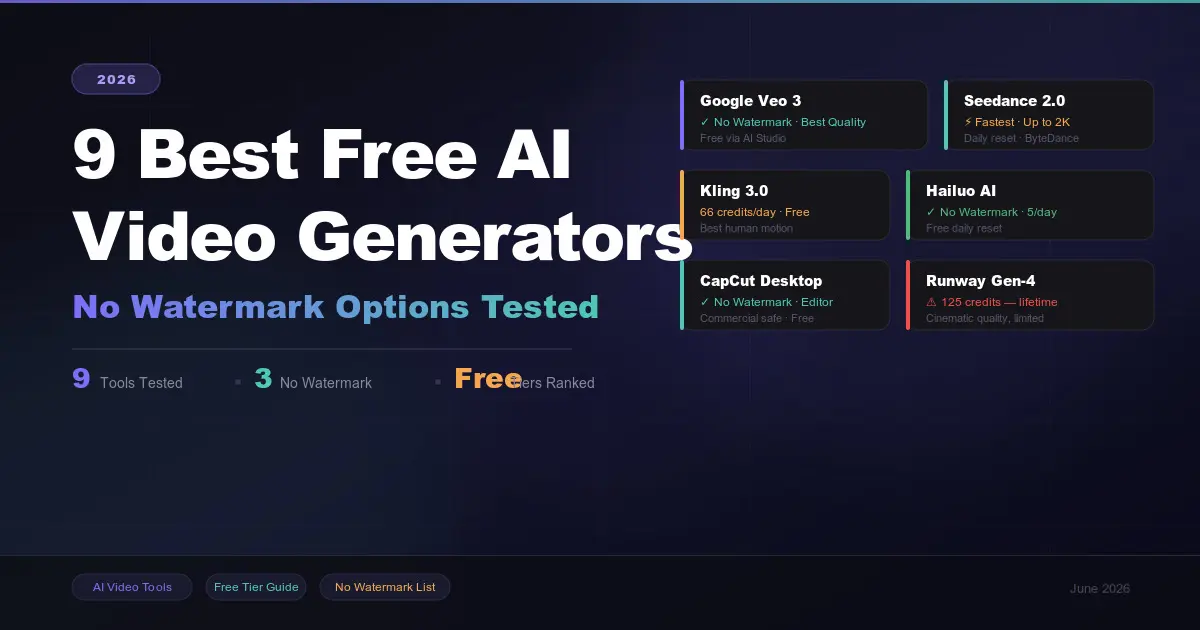
9 Best AI Video Generators in 2026: Create Videos from Text, Images & Prompts
7 Best Free AI PPT Generators in 2026- Create Presentations in Minutes
25 Best ChatGPT Prompts for Students in 2026: Study Smarter, Save Time & Improve Your Grades

A2E AI Review 2026: This AI Video Generator Gives Free Credits Every Day

Why I Started Solvex Technologies After 9 Years in Software Development

Best Free AI Video Generators (2026) - The Honest Guide
Best Free AI Video Generators in 2026 (No Watermark Text-to-Video Tools Reviewed)