Home › AI Tools › Best Free AI Tools for Image Generation (Create Stunning Images Easily)
Best Free AI Tools for Image Generation (Create Stunning Images Easily)
.png)
You no longer need Photoshop or design skills to create stunning images.
With AI image generators, you can turn simple text into high-quality visuals in seconds. Whether you’re a student, creator, or marketer, these tools can completely change how you create content.
Recommended for youWhy I Started Solvex Technologies After 9 Years in Software Development
In this guide, you’ll discover the best free AI tools for image generation that are powerful, easy to use, and actually useful.
What is an AI Image Generator?
An AI image generator is a tool that creates images based on text prompts. You simply describe what you want, and the AI generates a visual automatically.
- These tools are used for:
- Thumbnails
- Social media posts
- Blog images
- Design projects
Why AI Image Generators Are Important
- Creating images manually takes time and skill. AI tools make it instant.
- Benefits include:
- No design skills needed
- Fast image creation
- Unlimited creativity
- Saves time and money
👉 You can generate unique visuals anytime.
Best Free AI Tools for Image Generation
1. Leonardo AI
What it does: Generates high-quality AI images with detailed control.
Why it’s useful: Great for realistic and artistic visuals.
Best for: Advanced image creation
2. Playground AI
What it does: Creates images using multiple AI models.
Why it’s useful: Free usage with flexible editing options.
Best for: Beginners and creators
3. Bing Image Creator
What it does: Uses DALL·E to generate images from prompts.
Why it’s useful: Completely free and easy to use.
Best for: Quick image generation
4. Canva AI Image Generator
What it does: Generates images inside Canva editor.
Why it’s useful: Combine design + AI in one place.
Best for: Social media and thumbnails
5. ClipDrop
What it does: AI tools for image editing and generation.
Why it’s useful: Background removal + image enhancement.
Best for: Content creators
How to Generate AI Images (Step-by-Step)
Step 1
Choose a tool like Bing Image Creator
Step 2
Enter a detailed prompt (example: “futuristic city at night, neon lights”)
Step 3
Generate multiple images
Step 4
Download the best result
👉 Better prompts = better images
Pros and Cons of AI Image Generators
Pros:
- Fast and easy
- No design skills required
- Free options available
- Unlimited creativity
Cons:
- Limited free credits
- Results may vary
- Requires good prompts
Common Mistakes to Avoid
- Using vague prompts
- Expecting perfect results instantly
- Ignoring image quality
- Not experimenting
Pro Tips for Better AI Images
- Use detailed prompts
- Add style keywords (realistic, cinematic, 4K)
- Try multiple variations
- Edit images after generation
👉 Prompt quality = output quality
Frequently Asked Questions
What is the best free AI image generator?
Tools like Bing Image Creator and Playground AI are among the best free options for generating high-quality images.
Can I use AI-generated images for free?
Yes, many tools offer free use, but always check the platform's usage rights.
Do I need design skills to use AI image tools?
No, these tools are beginner-friendly and require no prior design experience.
H2: Why are my AI-generated images not good?
This usually happens due to weak prompts. Use detailed descriptions for better results.
Conclusion
AI image generators are making design easier than ever.
👉 No skills required
👉 No expensive tools needed
👉 Just your creativity
Start using these tools today and create stunning visuals in seconds.
You can also explore more tools in our AI section.
Hidden Google Feature You Didn’t Know (2026 Tricks You Must Try)
10 Best Free AI Tools That Save You 10+ Hours Daily (2026 Guide)
This AI Can Create Videos in 30 Seconds (Full Guide 2026)

Continue Reading
Recommended Articles
.png)
Recent Posts
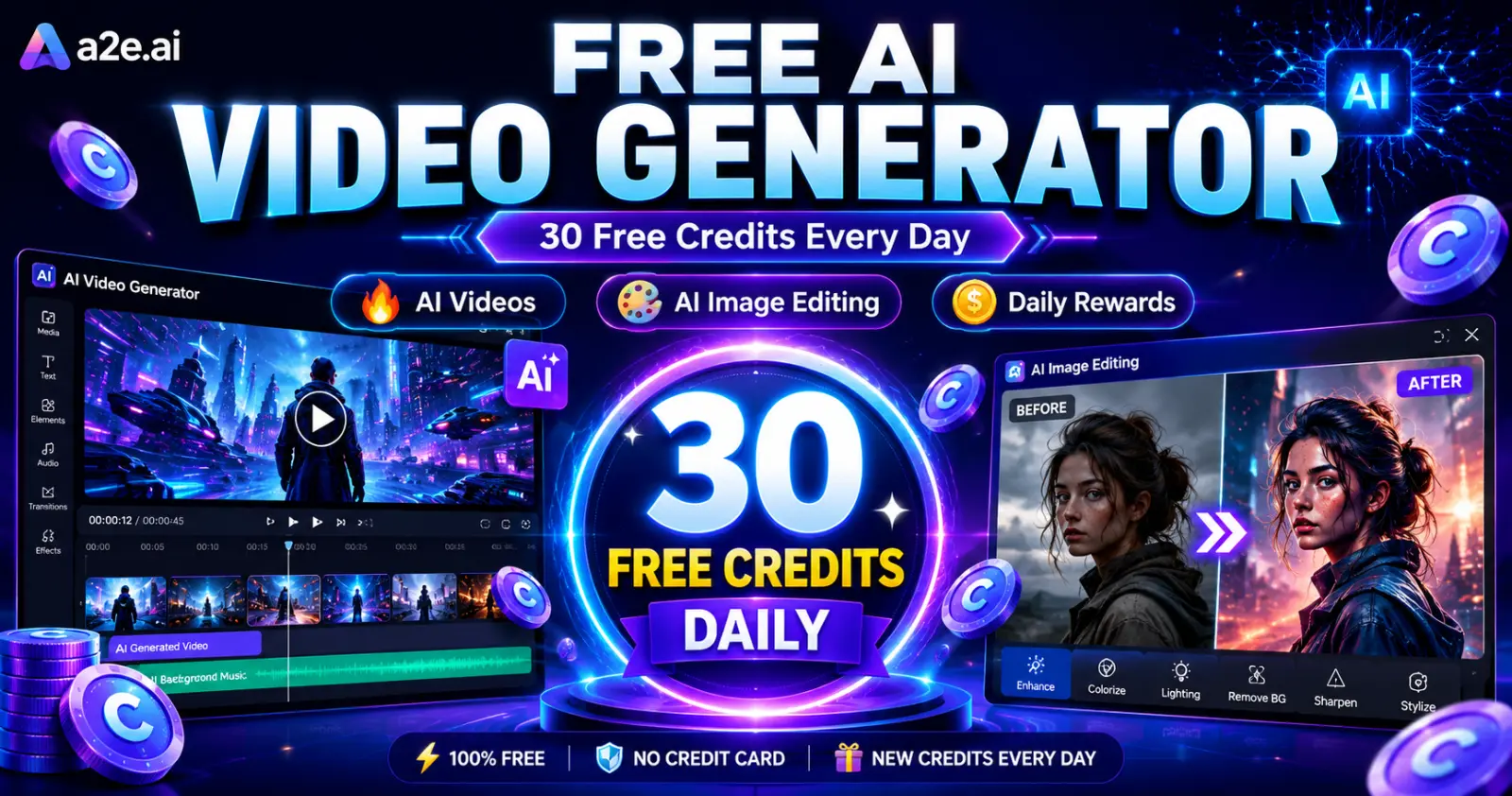
A2E AI Review 2026: This AI Video Generator Gives Free Credits Every Day

Why I Started Solvex Technologies After 9 Years in Software Development
Best Free AI Video Generators (2026) - The Honest Guide
Best Free AI Video Generators in 2026 (No Watermark Text-to-Video Tools Reviewed)
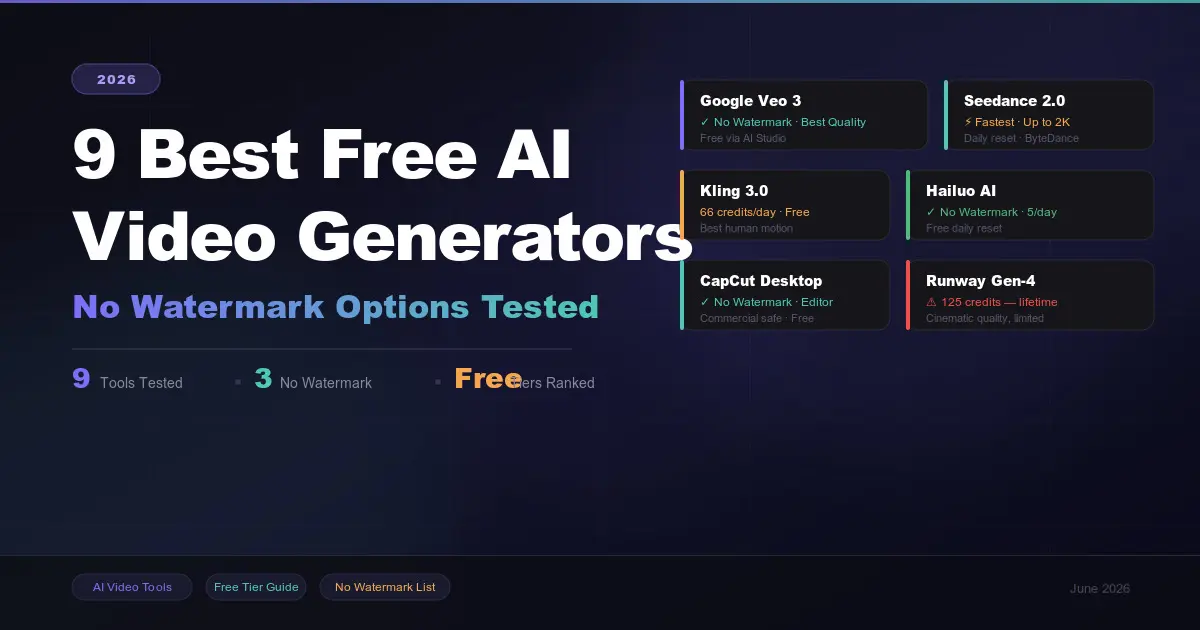
9 Best Free AI Video Generators in 2026 (No Watermark Options Tested)
 in 2026.png)
Build Your First AI Agent in 2026 (Step-by-Step Beginner Guide)
, Gemini, and Claude (2026 Deep Dive).png)
How ChatGPT, Gemini & Claude Actually Work (Simple Explanation 2026)
.png)