Home › Technology › Best Free Tools for Students (2026 Edition)
Best Free Tools for Students (2026 Edition)
.png)
In 2026, students don’t just need to study harder—they need to study smarter. The right tools can save hours, improve grades, and even help you learn skills beyond your syllabus.
This guide covers the best free tools for students, with direct links, real use cases, and how to use them effectively.
Recommended for you
How to Use ChatGPT from OpenAI for Students (Step-by-Step Guide 2026)
Top 3 AI Tools Students Must Use in 2026 (Boost Productivity & Grades)
Best Free AI Tools for Students
1. ChatGPT (AI Study Assistant)
Use it for:
- Explaining complex topics
- Writing essays & summaries
- Solving coding problems
💡 Example:
Ask: “Explain photosynthesis in simple terms” → instant clear explanation
⚠️ Tip: Don’t copy-paste answers—understand and rewrite for better learning + avoid plagiarism.
2. Perplexity AI (Research Tool)
Best for:
- Research with sources
- Quick fact-checking
- Finding reliable references
💡 Why it's powerful:
Unlike Google, it gives answers + sources together
✍️ Writing & Grammar Tools
3. Grammarly (Writing Improvement)
Helps with:
- Grammar correction
- Sentence clarity
- Tone improvement
💡 Perfect for:
Assignments, emails, SOPs
4. QuillBot (Paraphrasing Tool)
Use it for:
- Rewriting sentences
- Avoiding plagiarism
- Improving readability
💡 Best combo: Use with Grammarly
📝 Note-Taking & Organization
5. Notion (All-in-One Workspace)
Features:
- Notes
- Task management
- Study planner
💡 Example:
Create a semester dashboard with subjects, deadlines, and notes
6. Google Keep
Best for:
- Quick notes
- To-do lists
- Reminders
💡 Lightweight alternative to Notion
⏳ Productivity & Time Management
7. Pomofocus (Pomodoro Timer)
Helps:
- Focus for 25 minutes
- Take structured breaks
💡 Proven method for deep focus
8. Todoist
Use for:
- Task tracking
- Daily planning
💡 Great for managing assignments
🎨 Design & Presentation Tools
9. Canva (Design Tool)
Create:
- Presentations
- Posters
- Infographics
💡 Drag-and-drop—no design skills needed
📚 Learning Platforms
10. Khan Academy
Best for:
- Math
- Science
- Basics
11. Coursera (Free Courses Available)
Learn:
- Tech skills
- Business
- AI
💡 Many courses are free to audit
☁️ Storage & Collaboration
12. Google Drive
Store:
- Notes
- Assignments
- Projects
💡 Access anywhere, anytime
💡 How to Use These Tools Smartly
Most students make one mistake:
👉 Using tools without a system
Best workflow:
- Use ChatGPT → understand topic
- Write notes in Notion
- Improve with Grammarly
- Design with Canva
- Store in Google Drive
🚫 Mistakes to Avoid
- Copy-pasting AI content
- Using too many tools at once
- Ignoring revision
Conclusion
Free tools can completely change your academic performance—but only if used correctly.
👉 Focus on learning + consistency, not shortcuts.

Continue Reading
Recommended Articles
.png)
.png)
.png)
.png)
Recent Posts

A2E AI Review 2026: This AI Video Generator Gives Free Credits Every Day

Why I Started Solvex Technologies After 9 Years in Software Development
Best Free AI Video Generators (2026) - The Honest Guide
Best Free AI Video Generators in 2026 (No Watermark Text-to-Video Tools Reviewed)
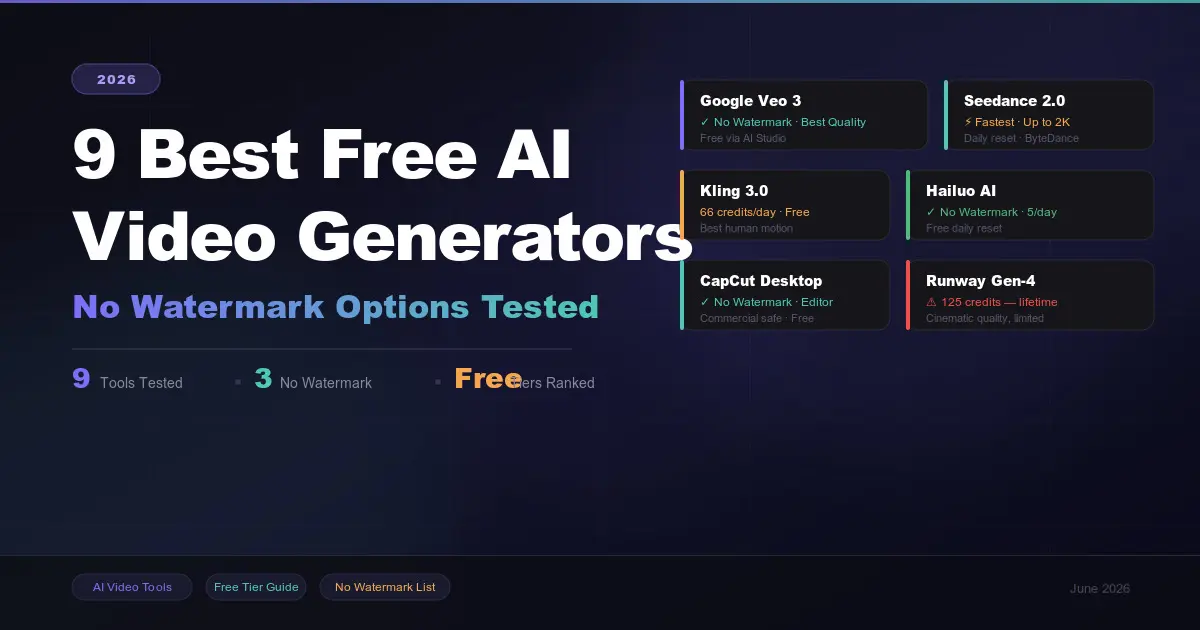
9 Best Free AI Video Generators in 2026 (No Watermark Options Tested)
 in 2026.png)
Build Your First AI Agent in 2026 (Step-by-Step Beginner Guide)
, Gemini, and Claude (2026 Deep Dive).png)
How ChatGPT, Gemini & Claude Actually Work (Simple Explanation 2026)
.png)